
Insight
Most people don't want settings. They want the file smaller and the quality untouched.
Every video, perfectly compressed.
Visit heysqueeze.site Source on GitHub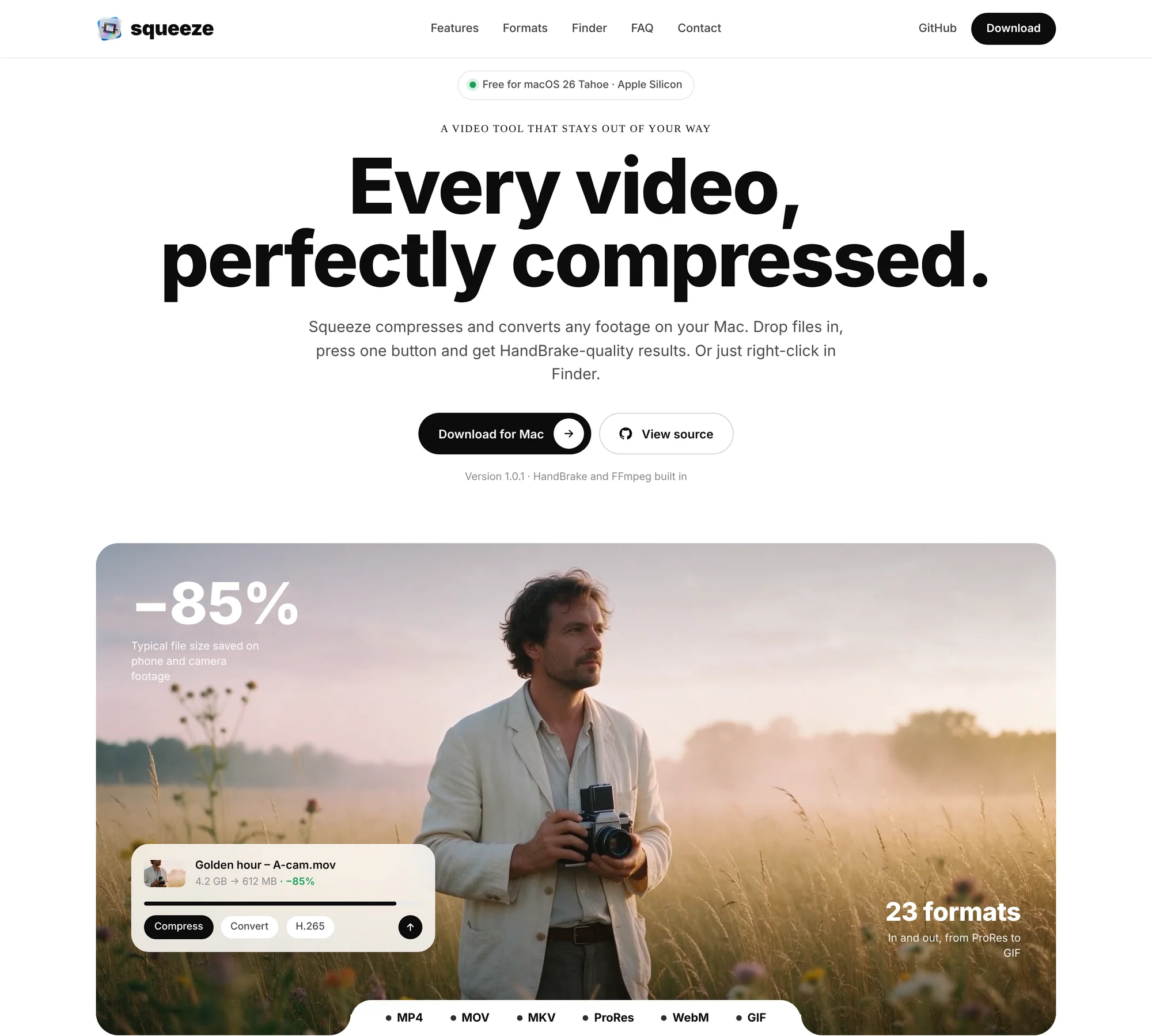
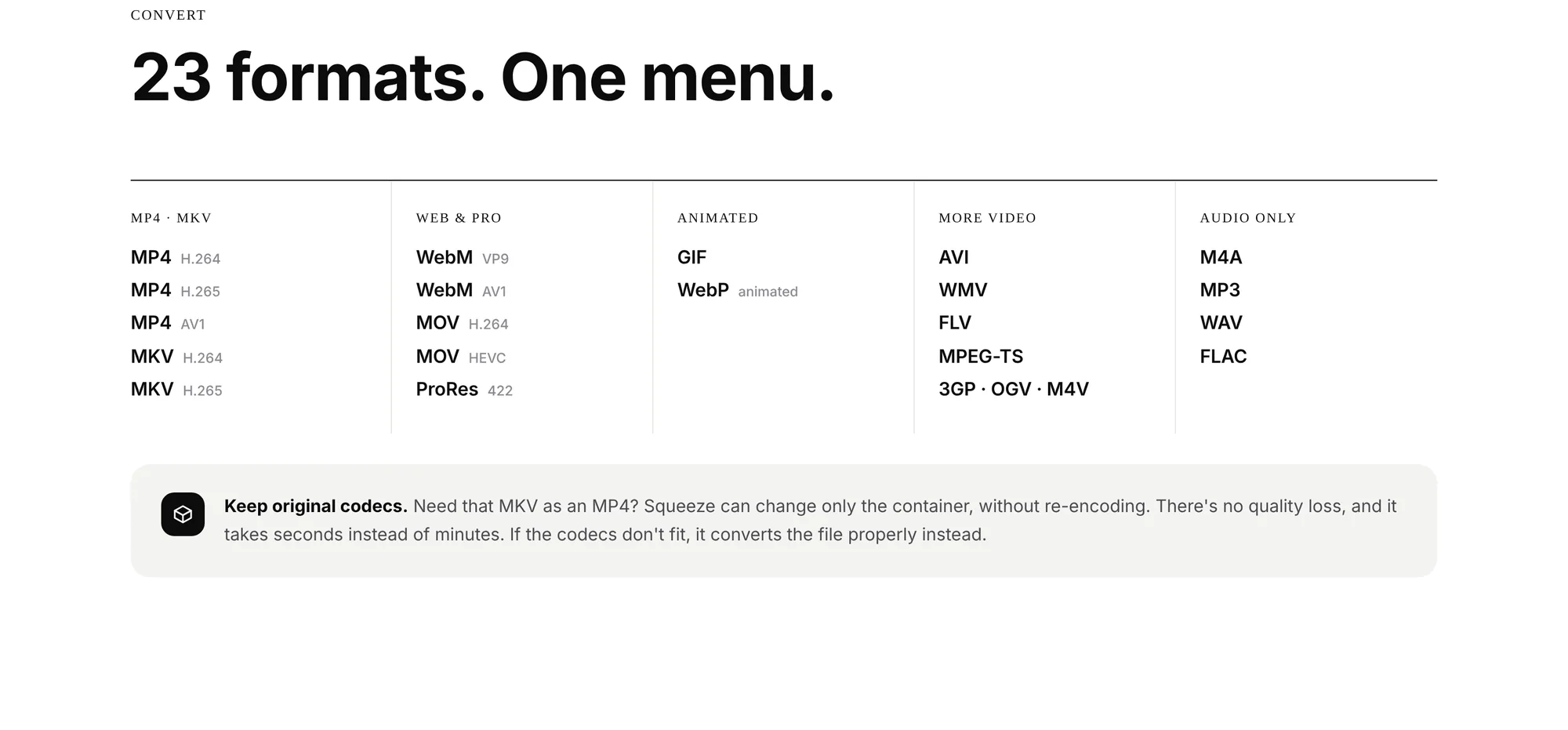
Squeeze is a free Mac app we designed, built and launched ourselves. It compresses and converts any video with HandBrake-quality results, supports 23 formats, and lives right inside Finder's right-click menu. We made the product, the brand and the website end to end.
Video tools on the Mac are either powerful and terrifying (HandBrake, FFmpeg) or simple and heavy-handed (online converters that upload your files and crush the quality). Creators just wanted smaller files without learning what a codec is.
Most people don't want settings. They want the file smaller and the quality untouched.
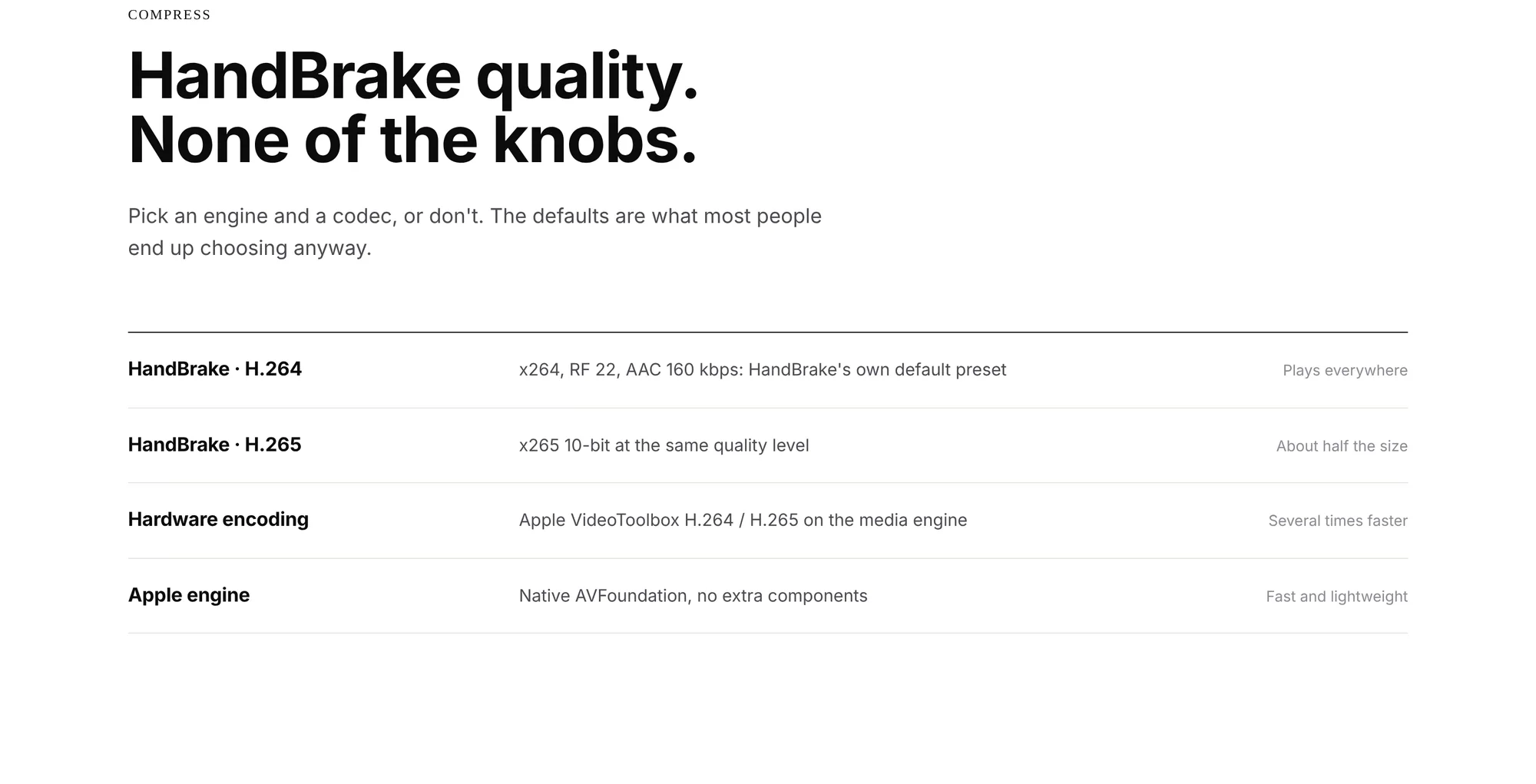
HandBrake's own best defaults behind one button, and a right-click in Finder for everything else.
A Liquid Glass app icon, an editorial black-and-white website, and calm photography that makes compression feel like breathing room.
Drop files in and press one button, or never open the app at all: right-click any video in Finder, choose Squeeze, and it works quietly in the background, saving the result next to the original and telling you how much space you saved.
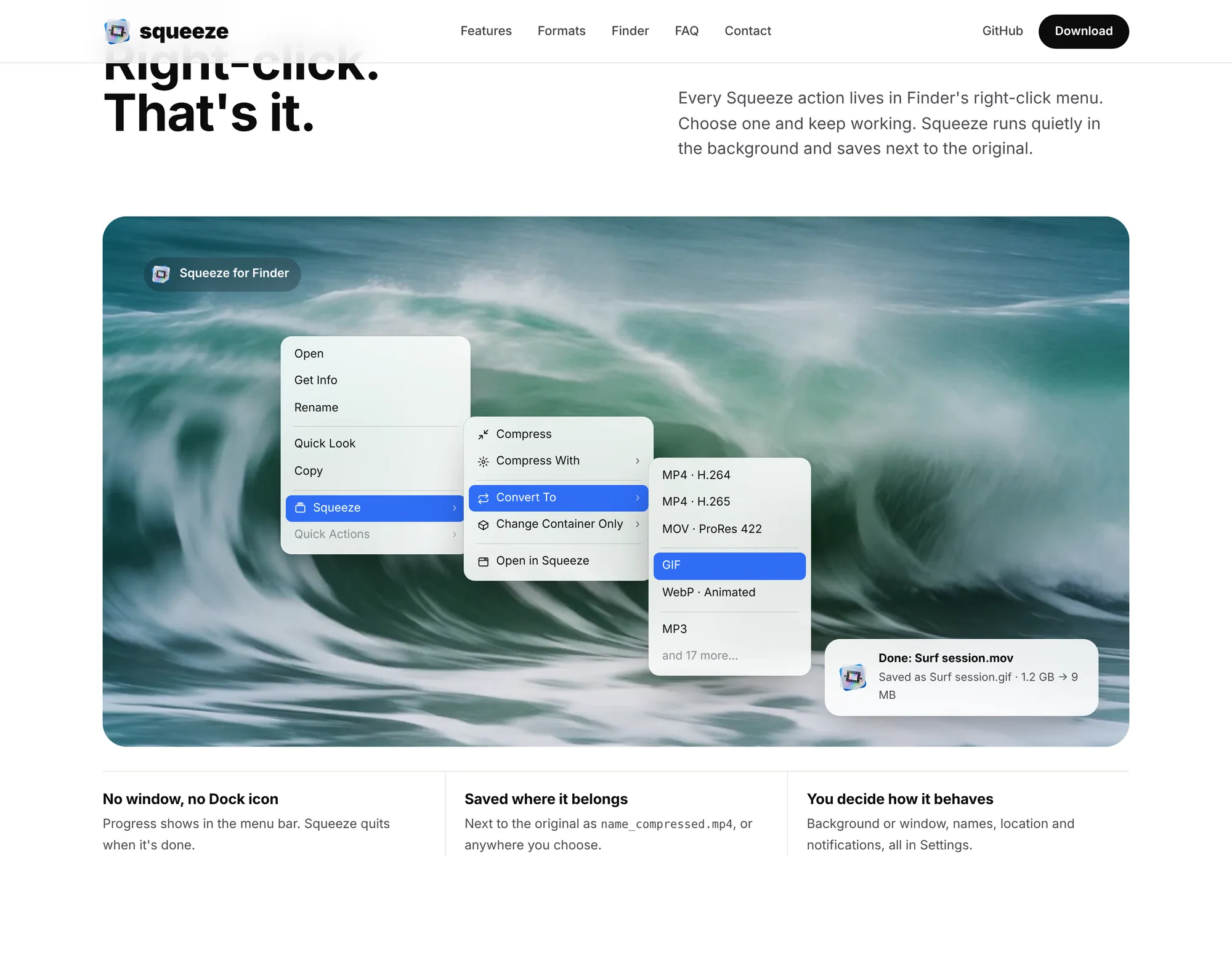
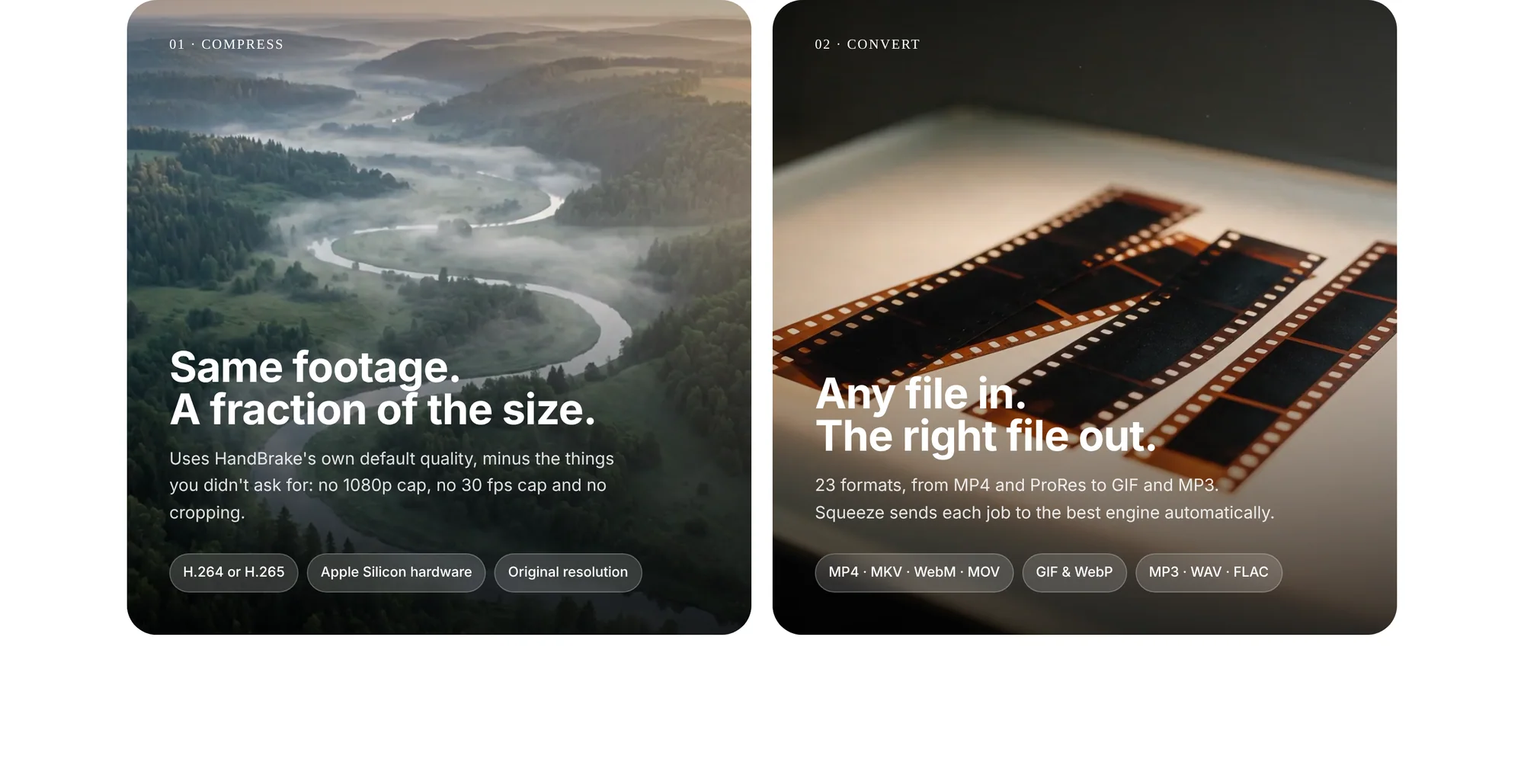
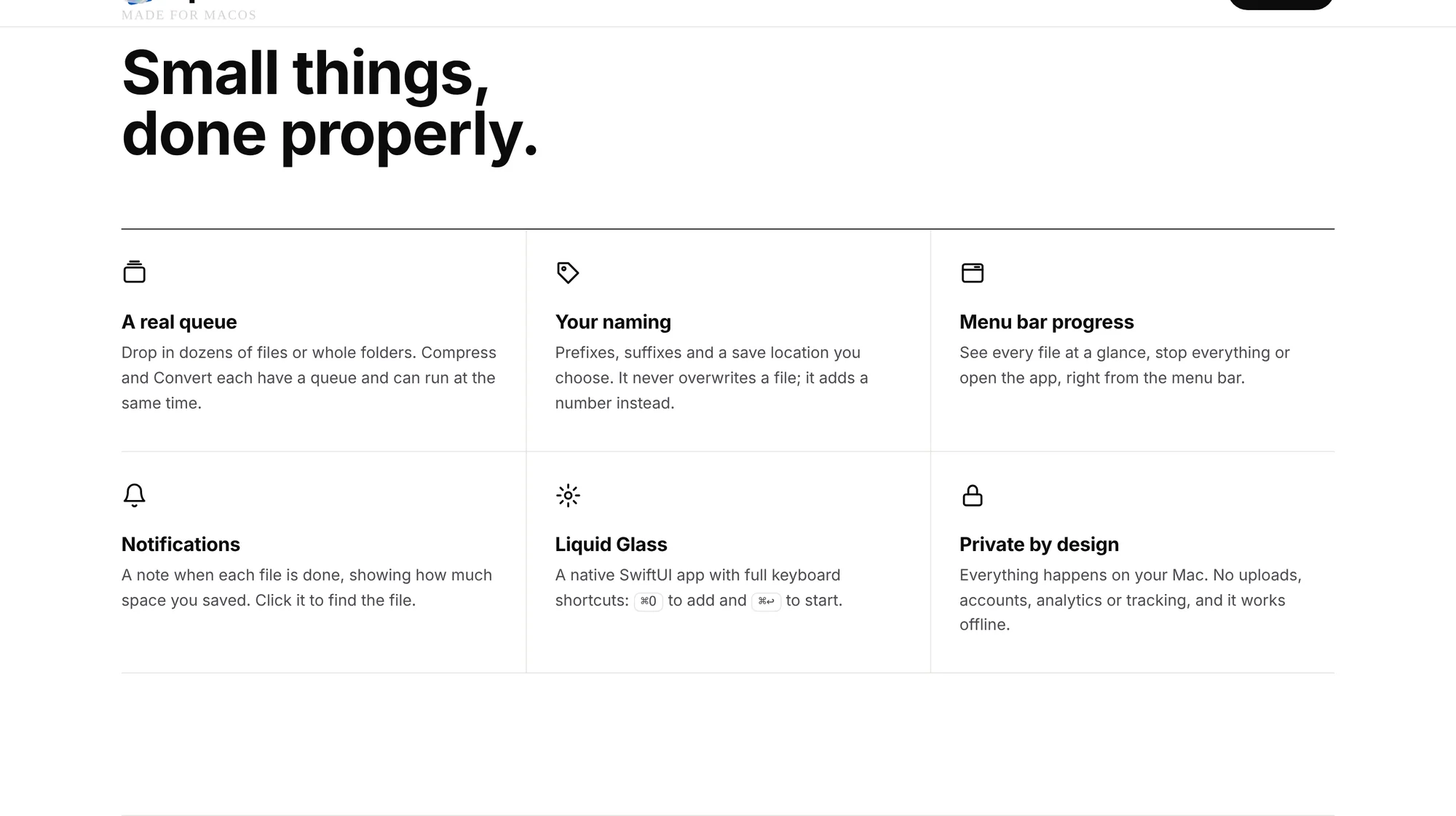
Under the hood Squeeze bundles HandBrake and FFmpeg and picks the right engine for each job. On top, it's a native SwiftUI app with queues, naming rules, menu-bar progress and notifications.
We explored four directions for the icon before landing on the final: a filmstrip being squeezed between two frosted glass panes, built for macOS 26's Liquid Glass look.




Icon explorations


Final app icon and lockup
heysqueeze.site is built to convert: one clear download button, a story told in short chapters, honest FAQs written for search, and fast-loading video.
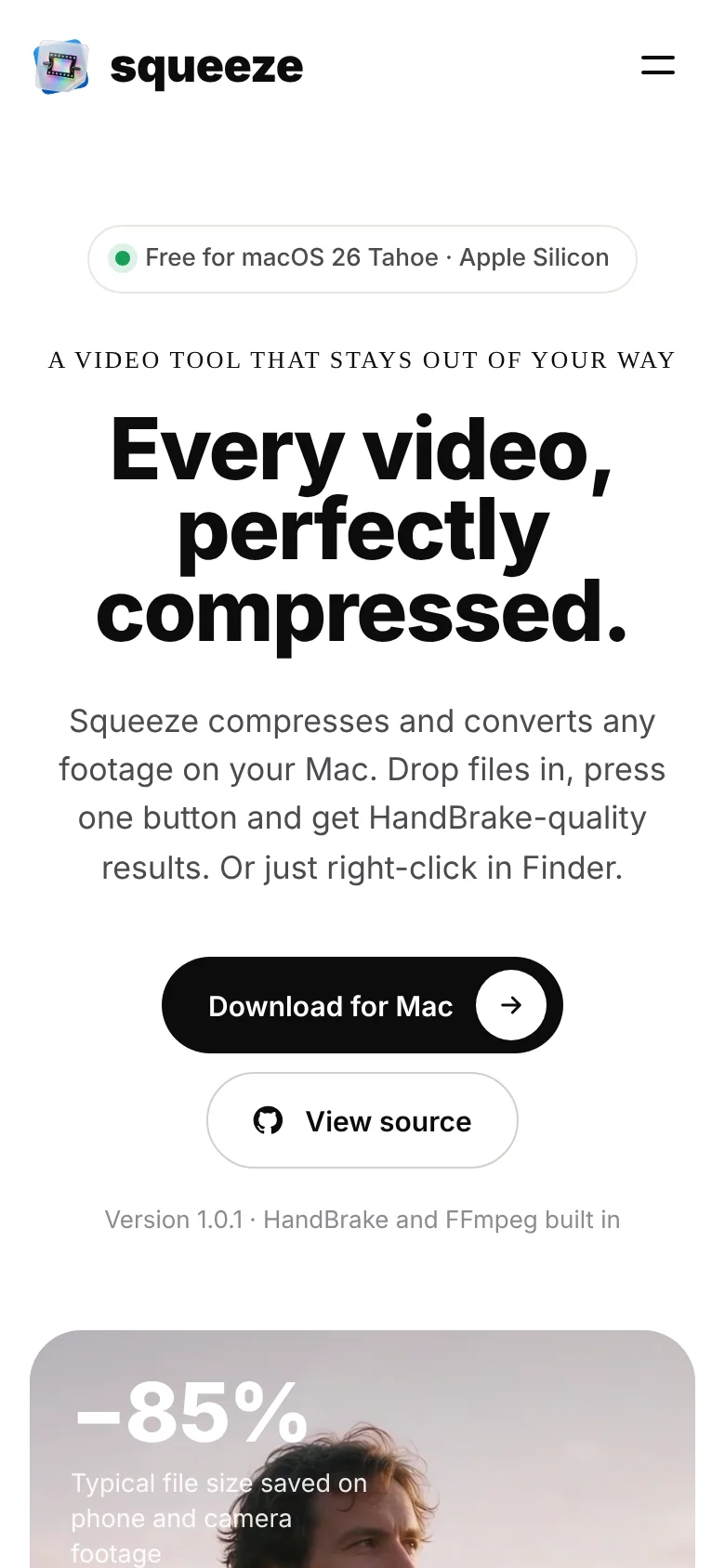
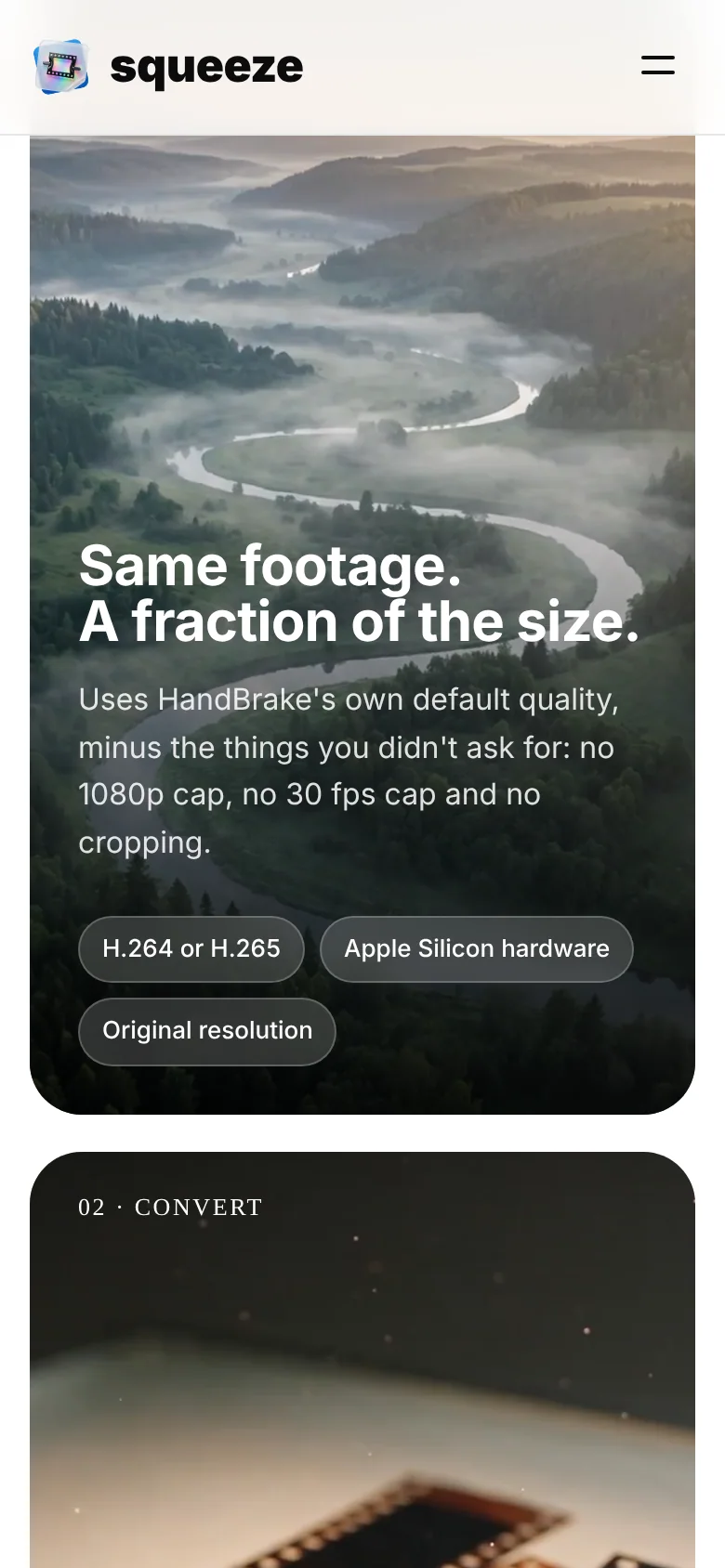
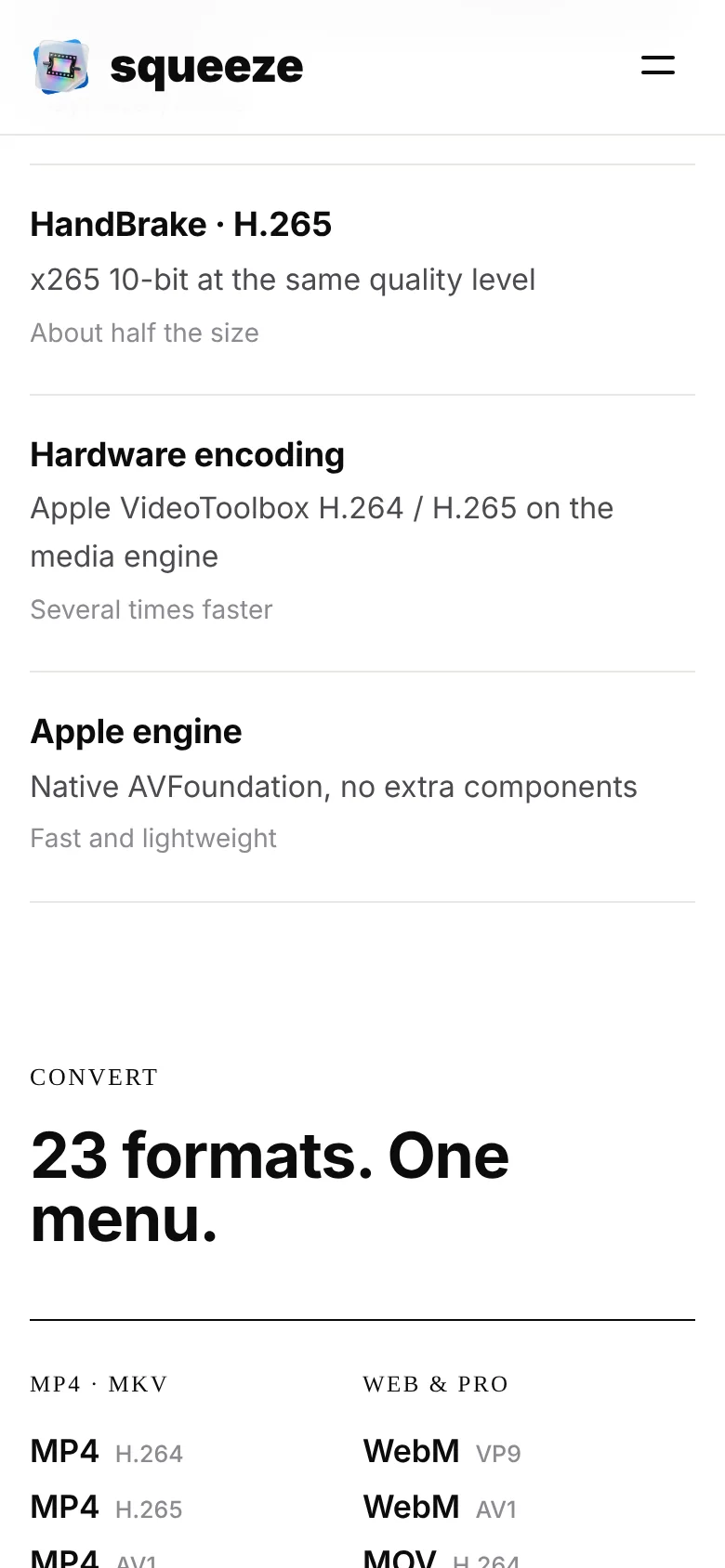
On mobile
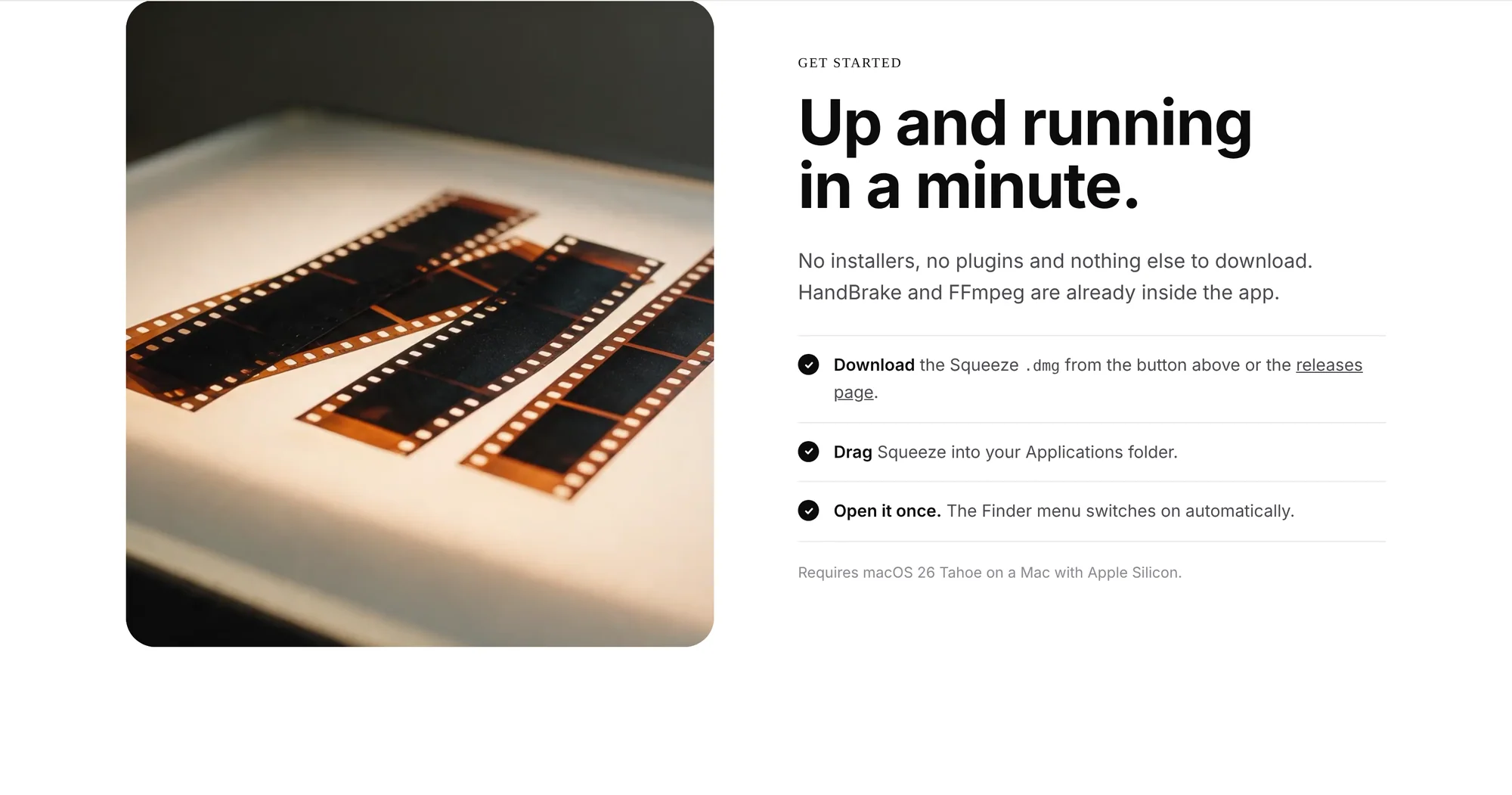
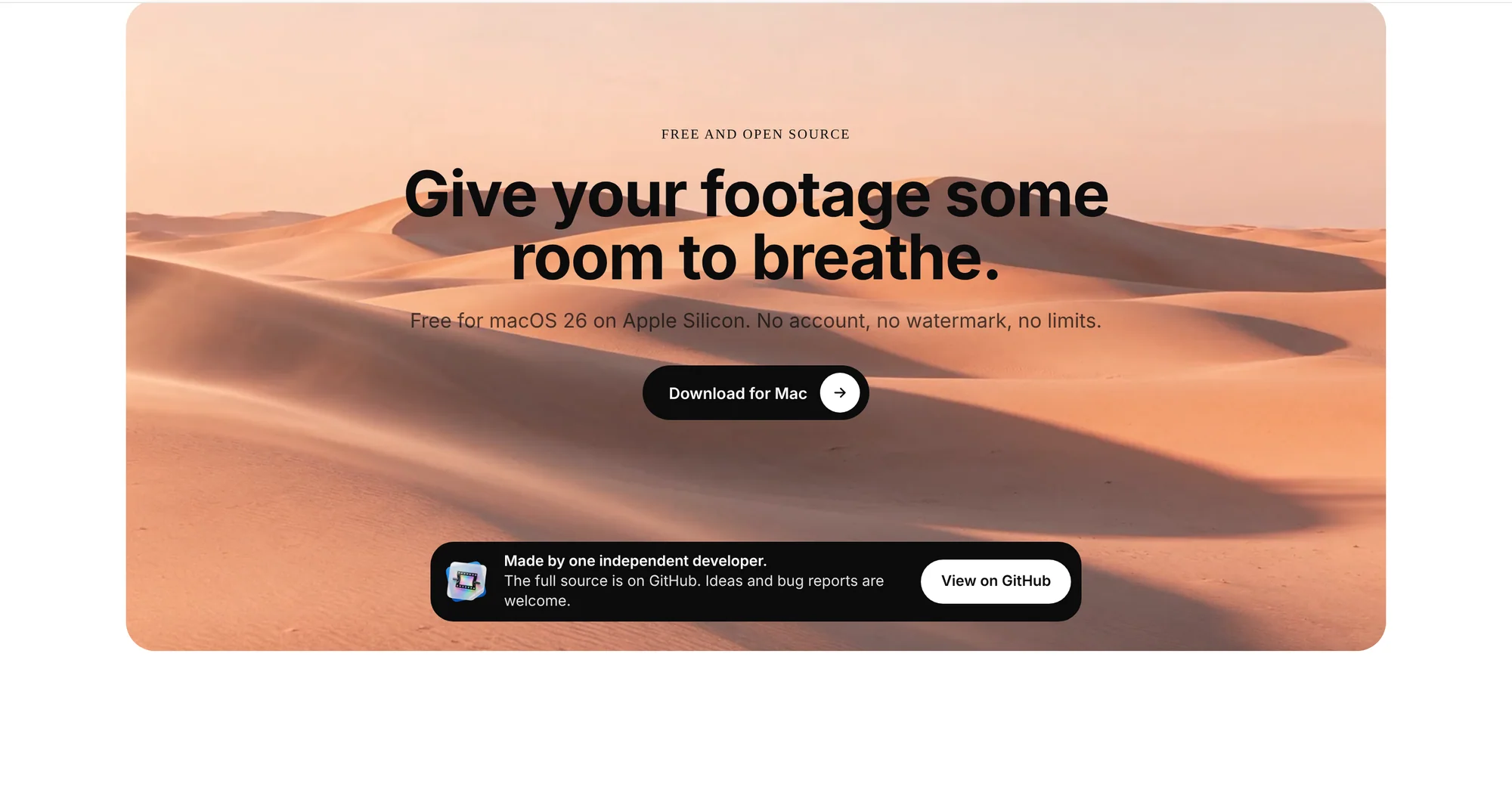
Getting started and the final call to action
#0B0B0C#F4F4F2#1E6BFF#18A058squeeze
Give your footage some room to breathe.